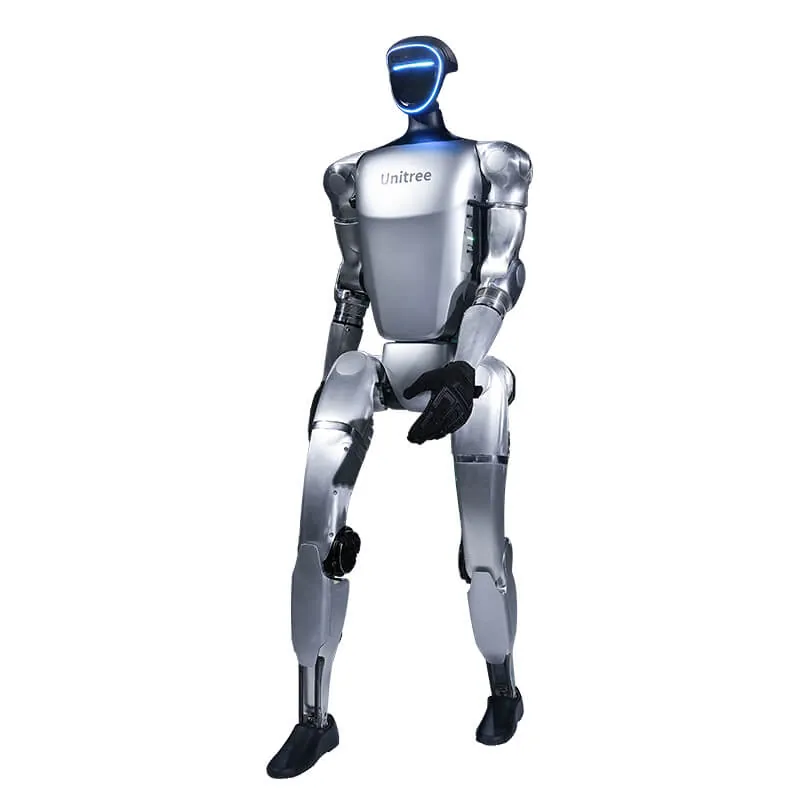
In brief. If you need to write your own code you need an EDU version: the G1 Air cannot run your own software. For locomotion and control research the U1 or U2 is enough. Hands (U3–U10) are only needed if the project involves grasping. If the task is manipulating objects on a bench, look at the G1-D, which has no legs.
Our price list has more than twenty G1 configurations. The price difference between the cheapest one and the versions with tactile hands exceeds €40,000. All versions are collected on the G1 range page. Prices are those of the public price list: in euros, excluding VAT. Shipping and insurance are quoted in the offer, and import VAT and duty are described on the country page.
What all G1 versions have in common
From the official Unitree spec sheet: 1320 mm tall standing, 690 mm folded, about 35 kg, 6 degrees of freedom per leg, a 9000 mAh quick-release battery, an 8-core CPU, a depth camera and 3D LiDAR. The lower part of the robot is the same. Three things change: whether it can be programmed, the degrees of freedom of the torso and arms, and the hands.
G1 Air and G1 EDU compared (Unitree data)
| Item | G1 (Air) | G1 EDU |
|---|---|---|
| Degrees of freedom | 23 | 23–43 |
| Waist | 1 degree of freedom | 1, with 2 optional extra |
| Max knee torque | 90 N·m | 120 N·m |
| Max payload per arm | about 2 kg | about 3 kg |
| Battery and runtime | 9000 mAh, about 2 hours | 9000 mAh, about 2 hours |
| Custom software development (SDK) | No | Yes |
| Warranty | 8 months | 18 months |
Source: G1 parameter table on unitree.com. Unitree notes that arm payload varies a lot with posture.
G1 Air: the demo robot
The G1 Air (23 degrees of freedom) costs €19,809. It walks, gets back up and runs the motions from the Unitree app. In the official table its Secondary Development entry is empty: it is not designed to run your own code. Compared with the EDU version it also has lower knee torque (90 N·m against 120 N·m), about 2 kg of arm payload against 3 kg.
It makes sense for trade shows, showrooms, events and communication work. For a lab or an R&D project it is almost always the wrong choice. G1 Air page
G1 EDU U1 and U2: the base for research
The EDU versions allow custom software development: SDK2 in C++ and Python, a DDS interface compatible with ROS 2, and access to the motors in debug mode. How this works in practice is explained in the G1 programming guide.
- G1 EDU U1, 23 degrees of freedom, with an extra computing dock: €38,005. This is the starting point for anyone studying locomotion, reinforcement learning or sim-to-real. U1 page
- G1 EDU U2, 29 degrees of freedom: a 3-axis waist and 7-axis arms on each side. €46,809. Needed when the torso and arms have to reach positions the 5-axis arm does not cover, for example teleoperation or collecting demonstrations. U2 page
G1 EDU U3–U10: when you need hands
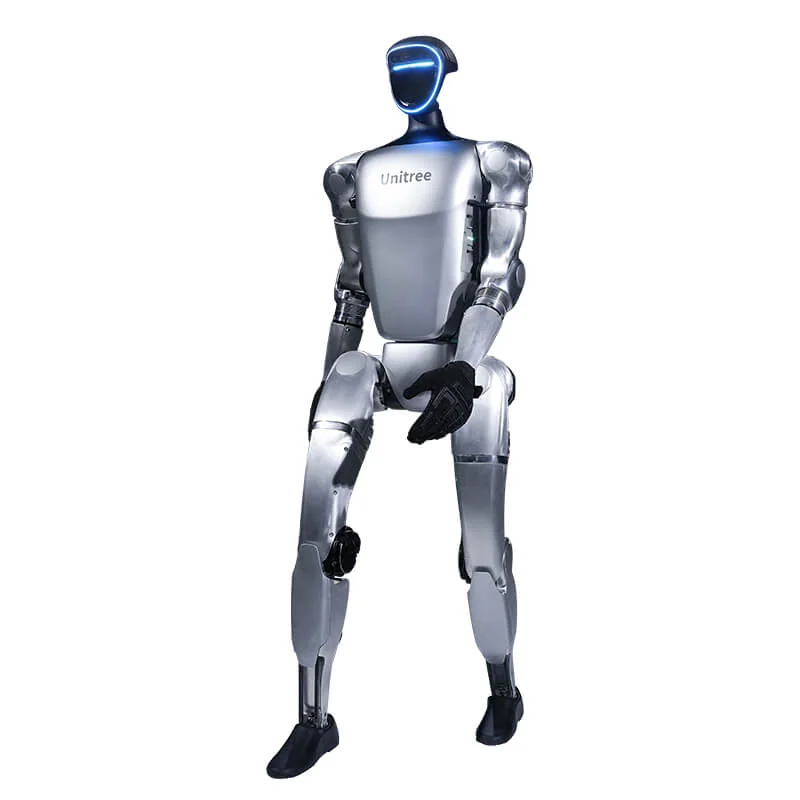
The Ultimate versions add hands. There are three families: Unitree's own Dex3-1 (three fingers, force control), the five-finger Inspire RH56 hands and the BrainCo Revo 2. Some have tactile sensors, others do not.
| Version | Hands | Tactile | Degrees of freedom | Price |
|---|---|---|---|---|
| U10 | Revo 2 Basic | No | 35 | €49,743 |
| U9 | Dex3-1 | No | 37 | €52,678 |
| U7 | Revo 2 Basic | No | n/a | €58,548 |
| U3 | Dex3-1 | No | 43 | €61,482 |
| U4 | Dex3-1 | Yes | 43 | €64,417 |
| U5 | Inspire RH56DFQ | No | n/a | €64,417 |
| U8 | Revo 2 Touch | Yes | n/a | €63,390 |
| U6 | Inspire RH56DFTP | Yes | n/a | €70,286 |
Two criteria for choosing. First: if your group does not already have a grasping project, the hands sit idle and you still pay for them. Better a U2 today and an upgrade later. Second: tactile sensing matters if you measure or control contact (fragile or deformable objects, blind grasping). For picking up a rigid box it is not needed.
The price list also has special configurations (G1 Pro, G1 E, Comp, Boxing, Professional series). Their pages are in the Unitree catalogue; for these it is best to ask us for the exact configuration before deciding.
G1-D: if you need to manipulate, not walk
The G1-D is a different machine. It has no legs: it is a G1 torso with two 7-axis arms, a binocular camera on the head and cameras on the wrists; the Orin NX computing module is optional (Unitree G1-D spec sheet). The Standard sits on a fixed, height-adjustable stand, from €38,005. The Flagship (Ultimate on the Unitree spec sheet) sits on a wheeled mobile base with LiDAR, from €51,944.
Without legs the risk of falling disappears. Unitree states about 2 hours of runtime for the Standard and about 6 for the version with the mobile base. For picking and placing parts on a bench, collecting data to train manipulation policies or running a PoC in a cell, it is closer to the real need than a biped. G1-D Standard page · G1-D Flagship page
Which one to choose if…
- You are a university or a lab and the topic is locomotion, control or RL: G1 EDU U1. If you also do arm manipulation: U2.
- You are a corporate R&D group evaluating humanoids for grasping: U2 if you are just starting, a version with hands if the project is already defined. The U9 (Dex3-1) and U10 (Revo 2) are the cheapest with hands.
- You need it for demos, trade shows, marketing: G1 Air. Bear in mind that you will not be able to develop your own applications.
- You are running an industrial PoC on pick and place or light assembly: G1-D Standard. Flagship if the robot has to move between stations. If the task is repetitive and high cadence, also consider a cobot: we cover this in humanoids or cobots.
Common mistakes
- Buying the Air for a research project. It costs less, but your own code cannot run on it. Moving to an EDU later means buying a second robot.
- Buying hands "just in case". The U2 and the U6 are €23,477 apart.
- Choosing the biped for a bench job. For manipulating while standing still, the G1-D is more stable and costs less than the biped versions with hands.
- Forgetting the second battery. With a single battery, a day of testing stops halfway. The extra battery costs €880.
- Underestimating the computing. To run vision or policy models on board there are docks with Jetson AGX Orin (€8,804) and Jetson Thor (€17,608). They are chosen together with the robot.
Frequently asked questions
Can the G1 Air be programmed?
No. In the Unitree table the base G1 does not provide for custom software development: for SDK2 and ROS 2 you need an EDU version.
How much does the G1 cost?
Air €19,809, EDU U1 €38,005, EDU U2 €46,809. The EDU versions with hands, U3 to U10, range from €49,743 to €70,286. In euros, excluding VAT; shipping and insurance are quoted in the offer, and import VAT and duty are described on the country page.
What is the difference between the G1 and the G1-D?
The G1 walks on two legs. The G1-D is a two-arm torso on a stand or a wheeled base, designed for manipulation and data collection.
How long does the battery last?
About 2 hours according to Unitree, with the 9000 mAh battery.
What warranty does it have?
8 months for the base G1, 18 months for the G1 EDU, according to the official Unitree table.
Can it be financed?
Depending on the project and its requirements, it may qualify for capital allowances, R&D tax relief, regional adoption programmes or leasing. We can provide the quote and technical documentation for your claim, but we do not give tax or funding advice: see the financing page for details.
The comparison with the H2 and R1 is in the humanoid comparison 2026. After purchase, the G1 operating guide explains power-on, remote control and networking. All versions are available from Abra Robotics, which supplies the Unitree range in the UK, Ireland and internationally, with support in English.