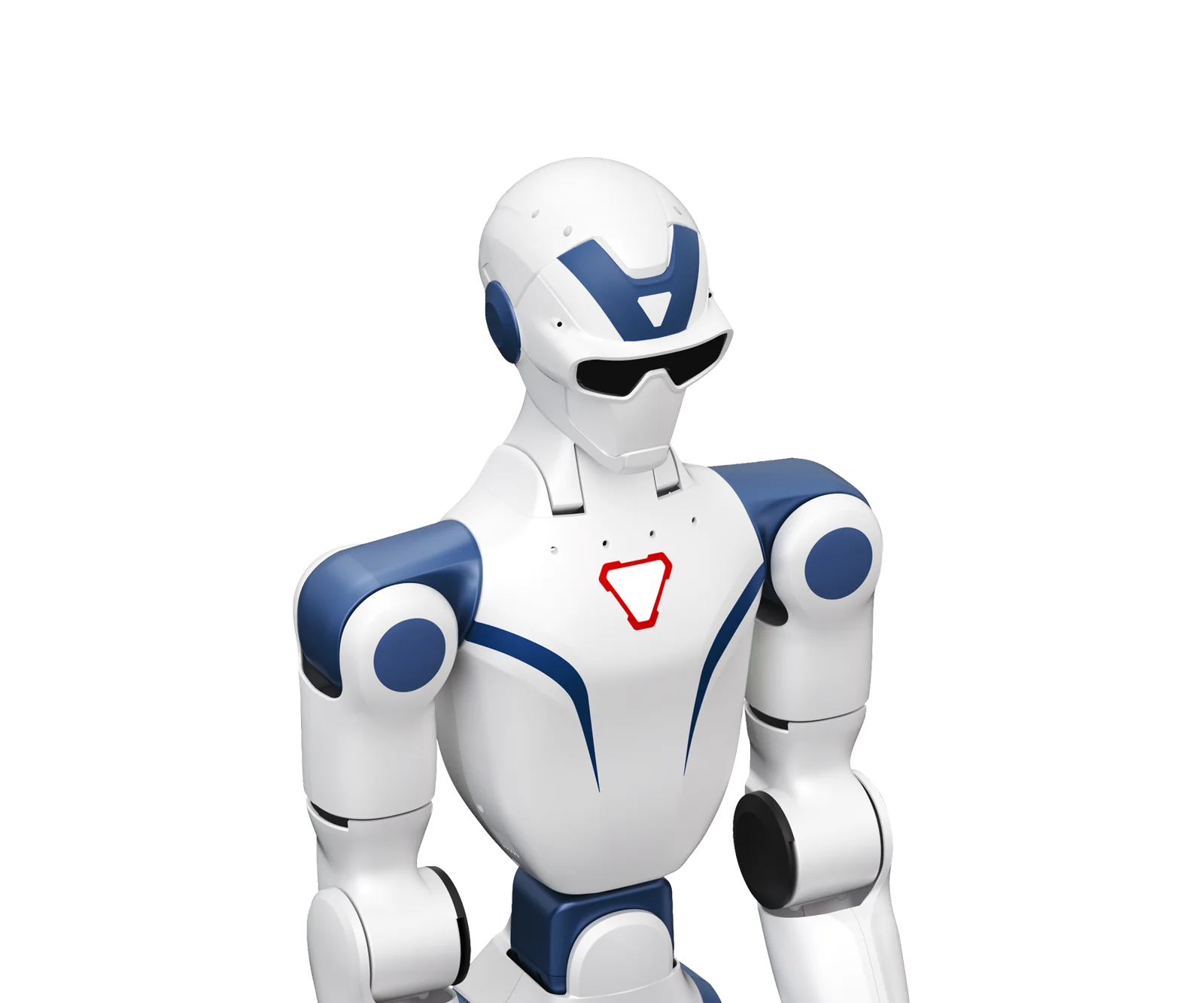
The R1 and the G1 are Unitree's two most affordable bipedal humanoids. The purchase comes down to price, motor power, degrees of freedom and battery life. The figures come from Unitree's official product pages, the prices from the public price list.
Unitree R1 vs G1: official specifications compared
Figures stated by the manufacturer for the base configuration, taken from the parameter tables on the official product pages.
| Item | Unitree R1 | Unitree G1 |
|---|---|---|
| Standing dimensions (H × W × D) | 1230 × 357 × 190 mm | 1320 × 450 × 200 mm |
| Weight with battery | ~27 kg (Air), ~29 kg (R1, EDU) | ~35 kg (EDU: ~35 kg+) |
| Total degrees of freedom | 20 (Air), 26 (R1), 26-40 (EDU) | 23 (base), 23-43 (EDU) |
| Battery life | about 1 hour | about 2 hours (9000 mAh) |
| Maximum knee torque | not stated | 90 N·m (base), 120 N·m (EDU) |
| Maximum payload per arm | about 2 kg | about 2 kg (base), 3 kg (EDU) |
| Camera / sensors | monocular (Air), binocular (R1, EDU) | depth + 3D LiDAR |
| Custom software development (SDK) | EDU only | EDU only |
| Warranty | 6 months (Air), 8 (R1), 12 (EDU) | 8 months (base), 18 (EDU) |
Source: R1 product page and G1 product page on unitree.com. Unitree points out that arm payload varies a lot with arm posture and that parameters may change with the configuration.
R1 vs G1 prices from the price list
End-user prices excluding VAT; shipping and insurance are quoted in the offer. The full list of versions is on the Unitree R1 and Unitree G1 pages.
| Item | Unitree R1 | Unitree G1 |
|---|---|---|
| Entry version | R1 Air: €7,190 | G1 Air (Basic): €19,809 |
| First EDU version | R1 Edu Standard (R1-U1): €14,930 | G1 Edu Standard (G1-U1): €38,005 |
| EDU with more degrees of freedom | R1 Edu Smart (R1-U2): €17,608 | G1 Edu Plus (G1-U2): €46,809 |
| Most expensive version | R1 Edu Professional B (R1-U4): €35,217 | G1 Edu Ultimate I: €90,829 |
As a price range, the R1 biped runs from €7,190 to €35,217 and the G1 biped from €19,809 to €90,829.
What the R1 does and what the G1 does
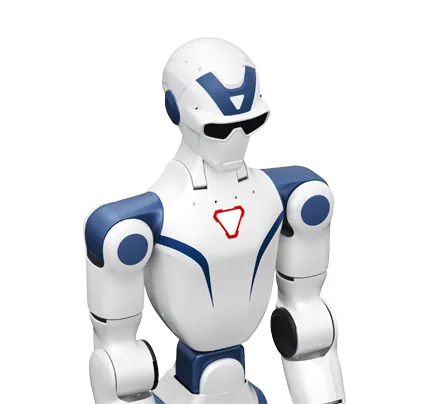
Unitree presents the R1 as an "intelligent pioneer": a head with 2 degrees of freedom (absent on the Air), a built-in multimodal model for voice and images, a 4-microphone array and OTA updates. The slogan is "movement first, tasks as well": range of movement comes first, tasks follow.
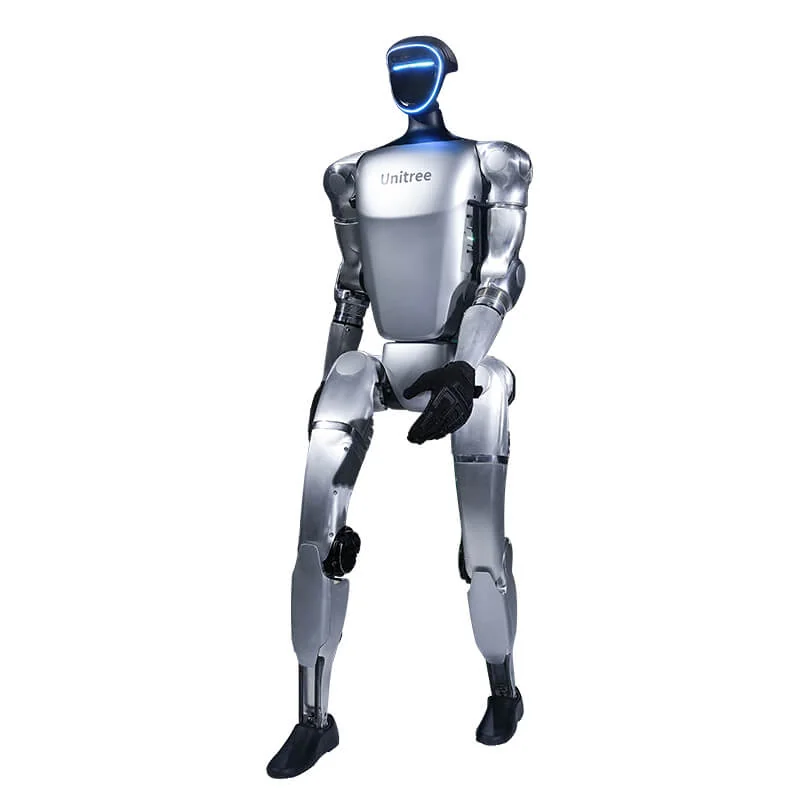
The G1 is presented as a platform for imitation learning and reinforcement learning, with the Dex3-1 three-finger force-controlled hand (tactile sensors optional) and the unified UnifoLM model. The R1 walks and interacts; the G1 adds grasping and manipulation.
The deciding difference: SDK and custom software development
On both models the Secondary Development feature is only enabled on the EDU versions. The R1 Air, R1 Basic and base G1 run with the Unitree app or the remote control and do not run your own code.
- R1 EDU (from R1-U1): SDK enabled and optional compute module (Orin, 40 to 100 TOPS).
- G1 EDU (from G1-U1): SDK2 in C++ and Python and optional compute module (Orin and others).
How this works in practice is covered in the G1 programming guide. If you need to run your own code, the real starting price is that of the first EDU version, in the price table above.
When to choose the R1
- Teaching. Robotics courses, university labs, exercises on locomotion and control. The Air demonstrates movement without being programmed; the EDU runs students' exercises.
- First reinforcement learning tests. With the EDU you train in simulation and transfer to the robot.
- Demos, trade fairs and marketing. The Air is inexpensive, walks and draws a crowd.
- Budget under €20,000. It is the only biped in the price list with programmable EDU versions below that figure.
More on its features and limits: Unitree R1, what it does and what it costs.
When to choose the G1
- Research on manipulation and physical AI. More torque, more degrees of freedom and the Dex3-1 three-finger hand, with optional tactile sensors.
- Teleoperation datasets or imitation learning. The higher G1 versions cover the arm, wrist and hand degrees of freedom you need to collect demonstrations.
- Industrial PoC with object grasping. If the robot also has to walk. If it only has to manipulate at a bench, consider the G1-D, without legs, on a fixed or mobile base.
- Longer test sessions. The rated battery life is twice that of the R1.
Choosing between G1 configurations is explained in which G1 version to choose; for the full picture with the H2 and G1-D, see the 2026 humanoid comparison.
A rule of thumb for deciding
- Budget under €20,000 and teaching use: R1, in the EDU version if it needs to be programmed.
- Research on locomotion and control: R1 EDU or G1 EDU U1, depending on budget.
- Manipulation, grasping, physical AI: G1 EDU.
- Tactile hands: G1 EDU (Dex3-1 with optional tactile sensors).
Both are available from Abra Robotics, which supplies the Unitree range in the UK, Ireland and internationally, with support in English. Before the order we run a free eligibility check for UK schemes such as capital allowances and R&D tax relief, and for leasing; we provide the quote and technical documentation, not tax or funding advice. Details are on the financing page.
Frequently asked questions
Unitree R1 vs G1: what is the main difference?
The R1 is smaller, lighter and cheaper. The G1 has more powerful motors, more degrees of freedom and twice the battery life.
How much does the R1 cost compared with the G1?
The R1 biped starts at €7,190 (R1 Air) and the first EDU version (R1-U1) costs €14,930. The G1 starts at €19,809 (G1 Air) and the first EDU (G1-U1) costs €38,005. End-user prices excluding VAT; shipping and insurance are quoted in the offer.
Can the R1 and the G1 be programmed?
Only the EDU versions. The R1 Air, R1 Basic and base G1 are used with the Unitree app or the remote control and give no access to the SDK.
R1 or G1 for a university?
For courses and first locomotion tests the R1 EDU is enough. For research on manipulation and imitation learning you need the G1 EDU.
Which one lasts longer on a battery?
The G1: about 2 hours against about 1 hour for the R1, according to Unitree.
Sources
- Unitree, official R1 product page (R1 Air, R1, R1 EDU): unitree.com/R1
- Unitree, official G1 product page (G1, G1 EDU): unitree.com/g1
- Unitree, SDK2 for custom software development (C++): github.com/unitreerobotics/unitree_sdk2
- Abra Robotics, public End-User price list, prices excluding VAT; shipping and insurance quoted in the offer.