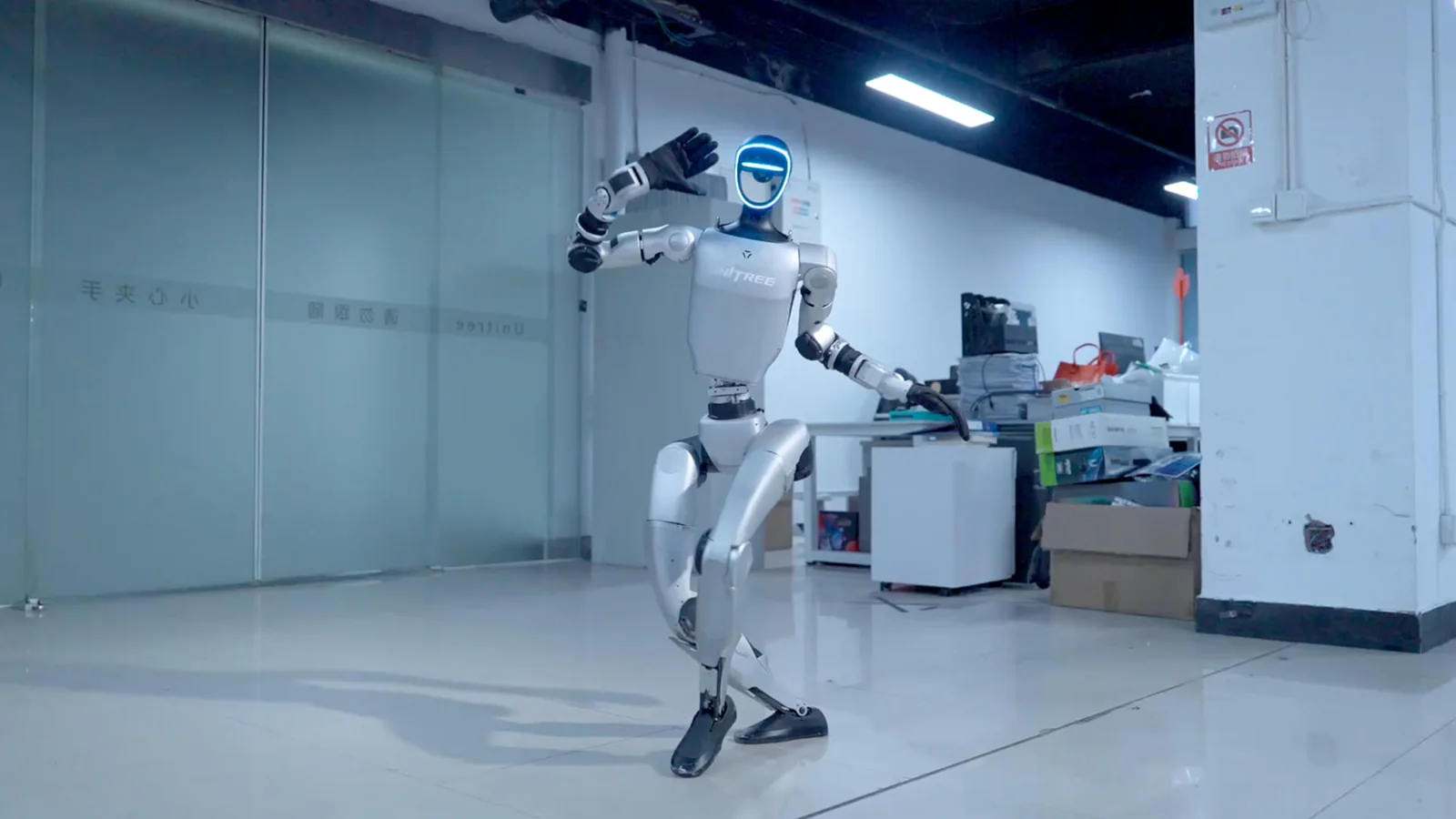
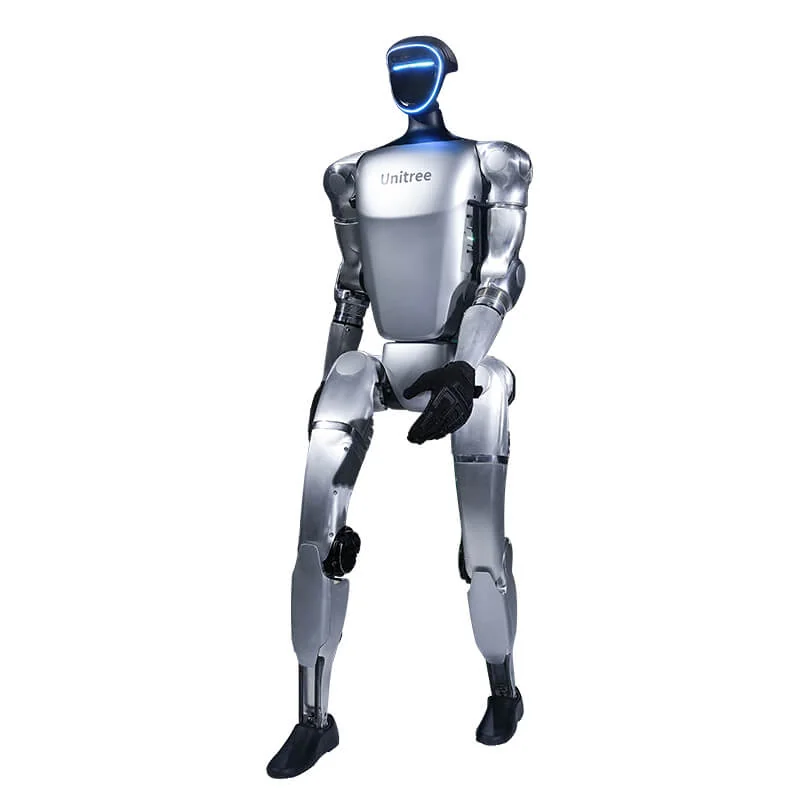
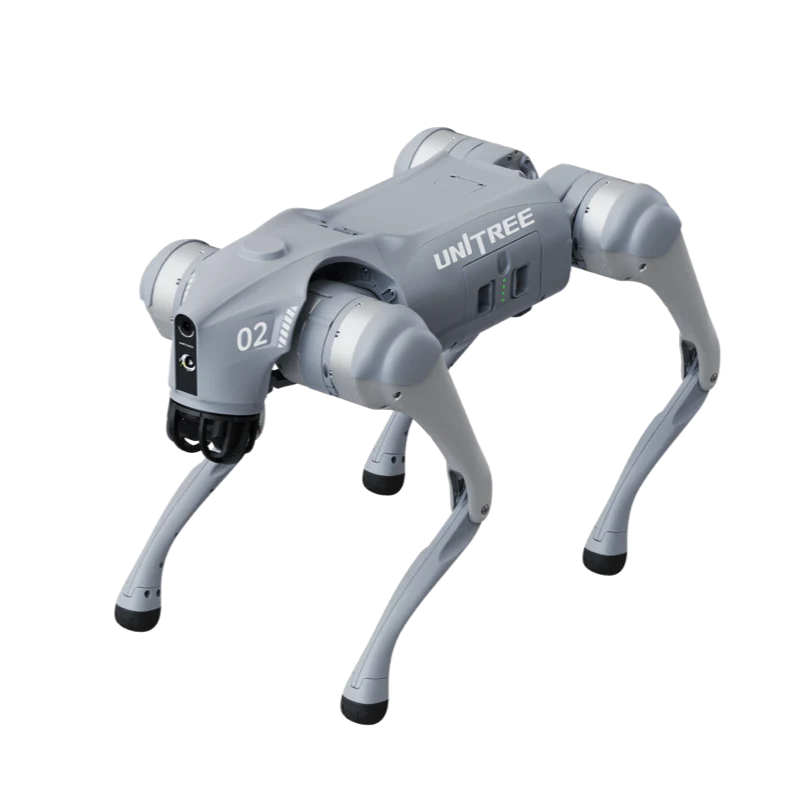
When you look at corporate network security with Unitree robots, the starting point is the architecture documented by the manufacturer, not the department where the robot will walk. A G1 or a Go2 is not an isolated appliance: it has an operating system, an account, an update channel and, on the G1 EDU, SSH access for development. The IT manager's job is to decide which of these channels stay open, on which segment and with which credentials.
General information, not legal or cybersecurity advice. Configurations must be adapted to the network, the contract and the robot version; a specific case needs the supplier and, where necessary, a consultant.
Corporate network security: the three layers to separate
The first layer is the network: who can talk to the robot and to which destinations. The second is the endpoint: credentials, exposed services, Bluetooth, USB ports and accounts. The third is data: video, audio, maps, telemetry and backups. If you work on only one of the three, the other two remain exposed.
The useful question is which channels are really needed. A Go2 used with a remote controller does not require remote teleoperation; a G1 EDU running ROS 2 requires access to the robot network and SSH, not necessarily the app over the internet.
Which apps and cloud services a Unitree robot uses
The developer documentation describes an architecture common to Go2 and G1. The robot connects to cloud services only after user authorisation. The cloud serves three purposes: telemetry and diagnostics, system updates and teleoperation over WebRTC. The declared channels are MQTT for IoT communication and updates, HTTP for the account and binding, TURN/STUN for routing video when the direct connection does not work. Bluetooth LE is used for network configuration and security verification; inside the robot, communication between modules runs over DDS.
| Channel | What it is for | Guidance for IT |
|---|---|---|
| Ethernet and DDS | Local control and development, ROS 2 topics | Separate robot network, with no routing to users |
| Wi-Fi in infrastructure mode | App, telemetry and cloud services | Dedicated SSID and robot VLAN |
| Wi-Fi in AP mode | Initial configuration: the robot creates a hotspot | Onboarding only, in a controlled area |
| Bluetooth LE | Network configuration and security verification | Limited physical access, logged onboarding |
| MQTT and HTTP to the cloud | OTA, diagnostics, account and binding | Outbound access only when needed, with logging |
| WebRTC, TURN and STUN | Remote video and commands | Block if you do not use teleoperation |
The local network: Ethernet, DDS and 192.168.123.x
Two details change the design. First: the robot's internal network uses the 192.168.123.x subnet; the G1 development computer responds on 192.168.123.164, the Go2 onboard computer on 192.168.123.161. It must not be exposed to the corporate network. Second: on Go2 Air and Pro versions the Ethernet and SBUS interfaces are not available; they are reserved for the EDU. If the project needs a cable, the version must be chosen before the order, not after.
Configuring an isolated VLAN, step by step
There is no configuration that works for every site, but the order of the steps is always the same. Example with hypothetical numbers: VLAN 210 for robots, subnet 192.168.210.0/24, gateway 192.168.210.1, reserved addresses from .10 to .30; VLAN 200 for administration, with a jump host.
- Separate the traffic. Create a dedicated VLAN and SSID. Do not reuse the PC VLAN or the management VLAN.
- Block lateral routing. The robot VLAN must not reach the user network. The only administrative access goes through a jump host on VLAN 200, with named rules and logging.
- Assign stable addresses. DHCP reservations or static IPs for each robot, with MAC address and serial number in the inventory.
- Start from default deny on outbound traffic. Open only the destinations needed for OTA, apps and teleoperation, and only in the windows when they are needed.
- Keep DDS inside the VLAN. Local communication between the development PC and the robot uses DDS; discovery multicast must not cross routers or firewalls without dedicated configuration. For the first tests, follow the guide to ROS 2 on Unitree robots.
- Do not expose the 192.168.123.x subnet. If a supplier asks for remote access, plan a temporary, logged session.
- Measure before you close. Let traffic through for a few days, record destinations and volumes, then build the rule. Without a baseline, the allowlist becomes a list of exceptions.
What to disable or restrict if you do not need it
| Element | When it is needed | What to do if it is not |
|---|---|---|
| Robot Wi-Fi hotspot | Initial configuration or environments without Wi-Fi | Use Ethernet or infrastructure Wi-Fi; avoid the AP in production |
| App and cloud account | Binding, OTA, teleoperation | Block outbound access; local control and DDS remain |
| 4G module with eSIM (embedded SIM) | Off-site use or mobility | Choose a version without the module or restrict connectivity with the operator |
| Bluetooth LE | Configuration and initial verification | It is not an operational channel: keep onboarding in a controlled area |
| SSH on EDU versions | Development and maintenance | Changed password, keys, access only from the jump host |
| WebRTC and TURN | Remote teleoperation | Block outbound if the robot works only on site |
| USB ports and docking stations | Updates and development | Controlled physical access and a log of interventions |
The developer documentation states that the G1 EDU uses the user unitree and a known initial password; the same applies to the Go2 docking station. These are laboratory credentials: change them before connecting the robot to the network, together with the hotspot credentials. A shared account cannot attribute access to a person.
The app uses Bluetooth to configure the network and verify connection security. The useful measure is physical: configuration in a restricted area, a company phone and a logged operation. Afterwards, access to the area and to the ports remains restricted.
Updates: how to manage them without opening everything
Unitree declares cloud OTA for the G1 and the Go2; the Go2 page states that the robot connects only with user authorisation, and the architecture specifies MQTT for updates. A VLAN without internet does not receive OTA: this must be part of the design before installation.
A sustainable procedure in a company has six steps:
- Version inventory. Record the robot firmware, the app version and, if present, the version of the dock or compute module.
- Update window. Open outbound access to the manufacturer's services only in the agreed window, one robot at a time.
- Test on one unit. Update a laboratory robot first, then check movement, sensors, network and your application.
- Post-update check. Check the installed version and repeat the network test. If the update changes behaviour, stop and open a ticket.
- Log. Keep the version, date, result and operator.
- Plan B for full isolation. If the network has no outbound access, ask the supplier for the offline procedure and official packages. No third-party firmware.
For the G1, the app-side procedure, the checks before you start and the errors to avoid are in the guide to updating the G1 firmware. In general: charged battery, stable network, no interruptions and a rollback procedure agreed with the supplier.
Data: video, audio and telemetry
A G1 has a depth camera, LiDAR, four microphones and a speaker; a Go2 has a camera, LiDAR and, on some versions, voice and intercom. These sensors are useful for the application, but they also capture what is around the robot. If the robot films or records identifiable people, the processing falls within the scope of the GDPR (and the UK GDPR for UK organisations) and of the guidance of the competent data protection authority: purposes, minimisation, privacy notice, retention periods and, where the conditions apply, an impact assessment.
Unitree states that operational data collected by the cloud does not concern privacy and that WebRTC traffic is neither collected nor analysed by the server. These are useful statements for the contract, but they do not replace the controller's assessment. Before teleoperation, decide where recordings end up and who can see them.
On the robot, ask whether the disk is encrypted and how data is erased before trade-in or repair. If it is not documented, treat it like a laptop.
Cyber Resilience Act: the facts to know
The Regulation (EU) 2024/2847, the Cyber Resilience Act, has been in force since 10 December 2024. Reporting obligations apply from 11 September 2026; the main obligations from 11 December 2027. It covers products with digital elements placed on the EU market, including a connected robot.
According to the European Commission's fact sheet, the manufacturer must ensure security by default, manage vulnerabilities for the support period, declare when support ends, provide instructions for use and affix the CE marking. It is not an automatic obligation for buyers.
For buyers, the CRA is a list of questions before the order: end of support, vulnerability reporting channel, updates, instructions for secure installation. This is information the manufacturer provides and the seller checks. Anyone who resells under their own brand can take on manufacturer obligations.
The CRA does not replace the Machinery Regulation (EU) 2023/1230: machinery safety remains governed by that regulation. The guide to the 2027 Machinery Regulation explains the machinery side.
Checklist before bringing the robot into the department
- Dedicated VLAN and SSID, with no routing to the user network.
- Stable addresses and an inventory with MAC address, serial number and firmware version.
- Changed robot, hotspot and account passwords; no personal accounts.
- Internet access closed by default, opened only for OTA and teleoperation.
- A written update procedure, with a test on one unit and a log.
- A privacy assessment if the robot films or records people.
- A contract with a support period and a vulnerability reporting channel.
- A decommissioning plan: data erasure, account revocation, removal from the VLAN.
Frequently asked questions
Can a Unitree robot sit on the same VLAN as company PCs?
No. It belongs on a dedicated VLAN, with no routing to the user network; administrative access goes through a jump host. That way a problem with the robot does not expose the rest of the network.
Which ports do I need to open for a Unitree?
Do not open inbound ports. The robot starts outbound connections to cloud services for OTA, apps and teleoperation; allow only those destinations and only when needed. For local use, the robot network is enough.
Can I use a Unitree without connecting it to the cloud?
Yes, for local control over Ethernet and DDS, on EDU versions. You lose OTA and app teleoperation; the offline update procedure must be requested from the supplier.
How do I update the firmware on an isolated network?
With an update VLAN that has outbound access only during the window, one robot at a time and a version log. If isolation is total, you need a procedure from the supplier.
Does the Cyber Resilience Act also apply to the company using the robot?
The main obligations fall on the manufacturer. Buyers should ask about the support period, the vulnerability channel and updates. Anyone who resells under their own brand can take on manufacturer obligations.
Sources
- Unitree, Go2 system architecture (cloud after authorisation, MQTT, HTTP, WebRTC, BLE): support.unitree.com
- Unitree, G1 system architecture (cloud after authorisation, MQTT, HTTP, TURN/STUN, BLE, DDS): support.unitree.com
- Unitree, official Go2 page (Wi-Fi 6, Bluetooth, 4G module, cloud OTA with authorisation): unitree.com/go2
- Unitree, official G1 page (Wi-Fi 6, Bluetooth 5.2, OTA): unitree.com/g1
- Unitree, electrical interfaces and Go2 versions (Ethernet and SBUS only on EDU): support.unitree.com
- Unitree, G1 developer FAQ (initial user and password, PC1 and PC2 IP addresses): support.unitree.com
- Unitree, Go2 quick start (192.168.123.x network and onboard computer IP): support.unitree.com
- Unitree, Go2 docking station (initial user and password): support.unitree.com
- European Commission, Cyber Resilience Act summary: digital-strategy.ec.europa.eu
- European Commission, manufacturer obligations under the CRA: digital-strategy.ec.europa.eu
- Regulation (EU) 2024/2847 (Cyber Resilience Act), official text: EUR-Lex