A Unitree robot digital twin answers the question that matters before a purchase: can the robot do this task, in this environment? Robots ship without a ready-made application, and the real cost of a project is development. Testing in simulation costs far less than finding a limit after buying the hardware.
What a robot digital twin is
A useful digital twin has four parts:
- The robot: kinematic and dynamic model (MJCF for MuJoCo, URDF or USD for Isaac Sim) with masses, joints, limits and actuators.
- The environment: benches, shelves, floor and objects at their real dimensions, not a generic scene.
- The physics: gravity, contacts, friction. This is where you see whether a grasp holds or the robot loses balance.
- The same interface as the robot: the program sends the same commands and reads the same states as on the real robot, so code tested in simulation moves to the robot without being rewritten.
The last point is what separates a digital twin from a 3D animation. In Unitree's official simulators the program talks DDS with the same messages as the robot (LowCmd, LowState, SportModeState), so you develop in simulation and then change only the network interface.
Physical AI: why it goes through simulation
Physical AI means artificial intelligence that acts in the physical world through a robot: it walks, grasps, inspects. Unlike a language model, it does not learn from text but from attempts, and it needs a great many of them. For locomotion, for example, Unitree's tools train thousands of robots in parallel on one GPU; on a real robot that would be impossible, and dangerous.
The typical path, also described by Unitree in the unitree_rl_gym repository, has four steps: Train (training in simulation), Play (checking the policy), Sim2Sim (testing in a second simulator, so as not to depend on the first one's flaws) and Sim2Real (testing on the robot). The same scheme applies to manipulation and to models that combine vision and action: data is collected and tested first in the digital twin.
Unitree's official simulators
Unitree maintains four open-source simulation projects on GitHub. You choose them according to the job.
| Project | Engine | Robots | What it is for |
|---|---|---|---|
| unitree_mujoco | MuJoCo | A2, AS2, B2, B2W, G1, Go2, Go2W, H1, H1-2, H2, R1 | Testing low-level controllers written with unitree_sdk2, unitree_sdk2_python or unitree_ros2 before the robot |
| unitree_sim_isaaclab | Isaac Lab | G1 29 DoF, G1-D, R1 | Manipulation tasks (pick and place, stacking, into a drawer), data collection and replay, model validation |
| unitree_rl_lab | Isaac Lab | Go2, H1, G1 29 DoF | Training locomotion policies with reinforcement learning |
| unitree_rl_gym | Isaac Gym, MuJoCo | Go2, G1, H1, H1-2 | The full Train, Play, Sim2Sim, Sim2Real path |
Two practical details from the READMEs. unitree_mujoco currently supports only low-level development: it is for verifying controllers, not for the app's high-level functions. unitree_sim_isaaclab uses the same DDS topics as the real robot (DDS domain 1): if a real robot is on the same network, the two must be kept apart. If you are starting with MuJoCo and G1 motions, see the guide to G1 motion imitation in MuJoCo; for networking and first topics, ROS 2 on Unitree robots.
How we build a digital twin, step by step
- Surveying the environment. From photos of the work area we build a metric-scale 3D model with photogrammetry (COLMAP and OpenMVS). Real dimensions matter: ten centimetres of difference in a bench's height change the grasp.
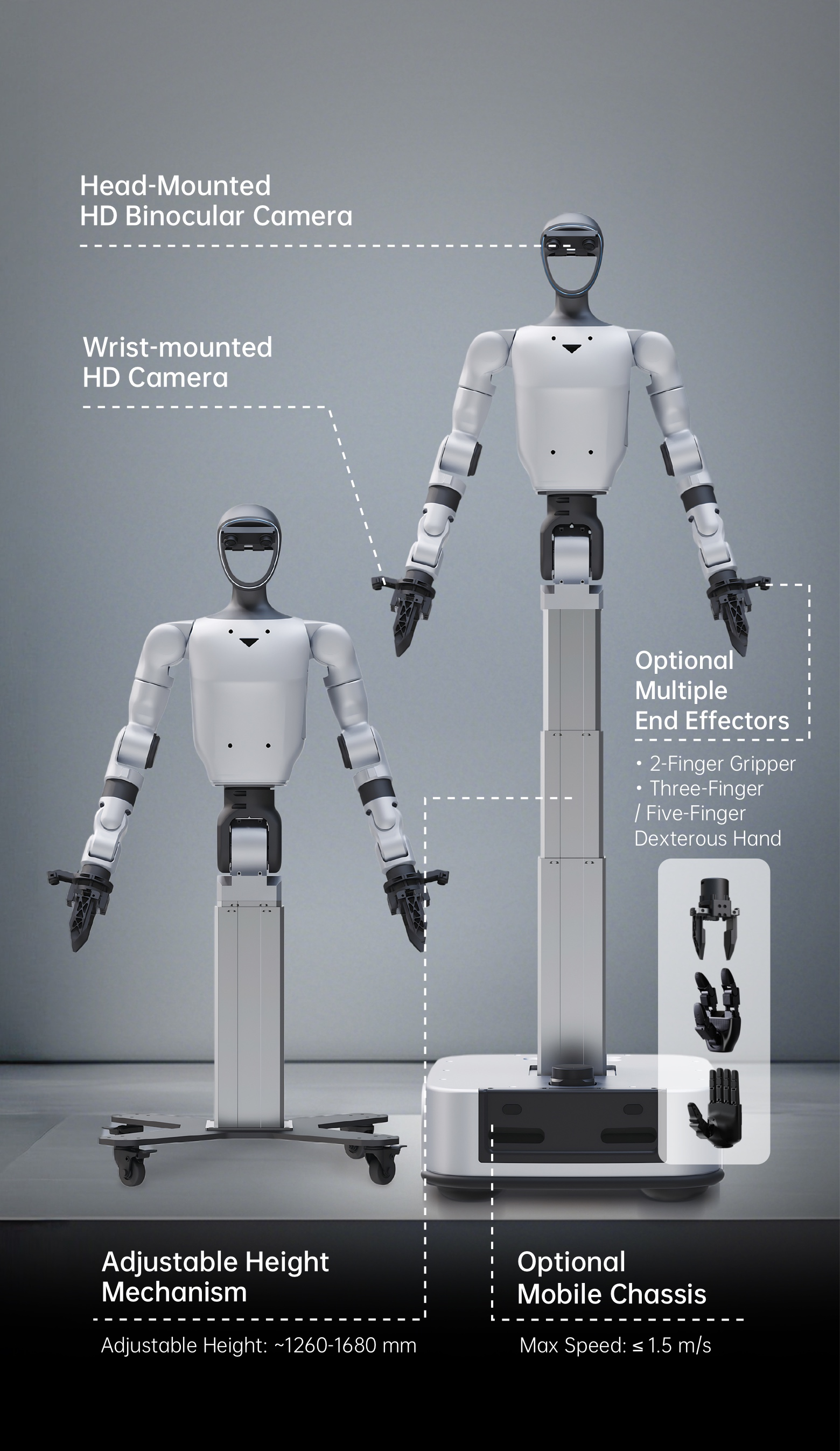
- Robot model with the real parts. We start from Unitree's official models and fit the hand, gripper or suction cup we would actually use, with its real size.
- The task. We define what the robot must do, with which objects, in how much time and under which safety constraints, for example no contact with machines and tables.
- Repeated trials and numbers. One successful video is not enough: we repeat the task over many attempts, with objects in different positions, and measure success rate, cycle time and collisions.
- Comparing configurations. Different robots, different hands, different robot positions: the digital twin shows which combination works best before you buy it.
- Moving to the real robot. Only then do we test on the robot, with the same code and the precautions of a first commissioning.
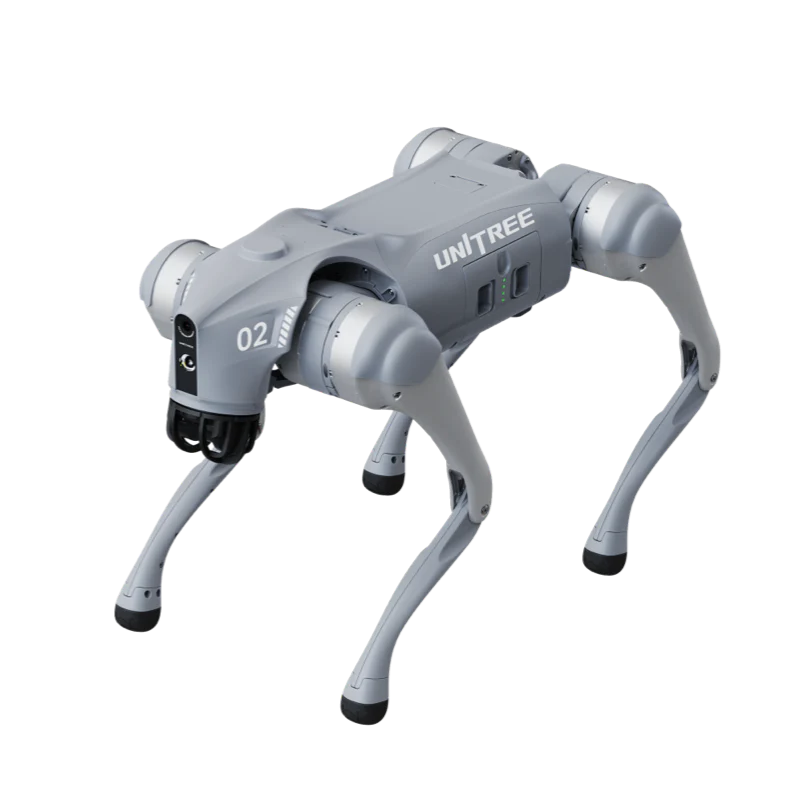
For quadrupeds the digital twin is also used to prepare the mission: map, route, inspection points and return to the charging station. We cover this in the guide to quadruped robots for industrial inspection.
Try it in your browser: Humanoid Studio and Fleet Control
Two of our tools also run in the browser, in 3D, with Unitree robot models. They are demo versions of the digital twins we use in projects: you give commands and watch the robot carry them out, with nothing to install.
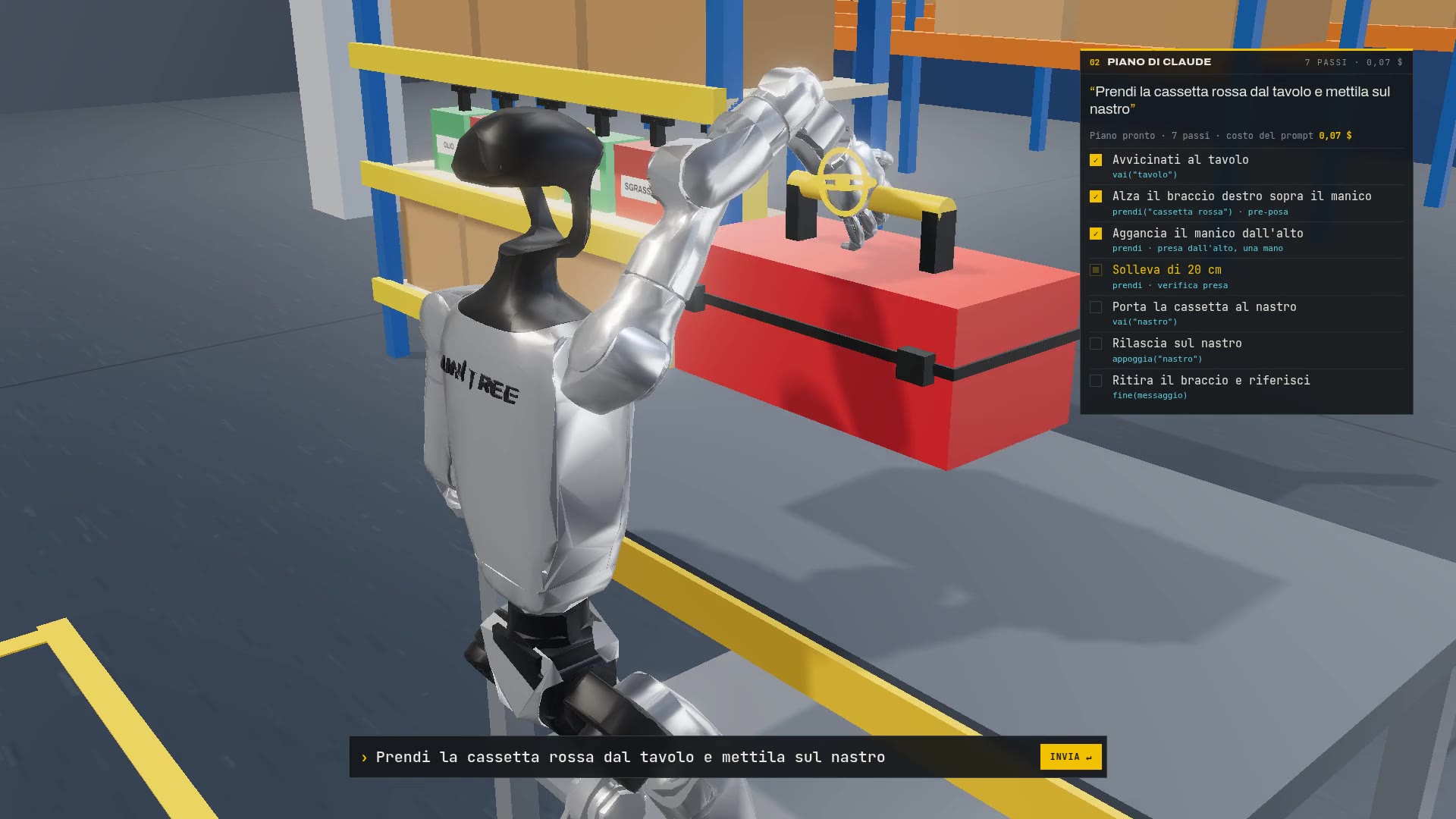 Humanoid Studio · G1
Humanoid Studio
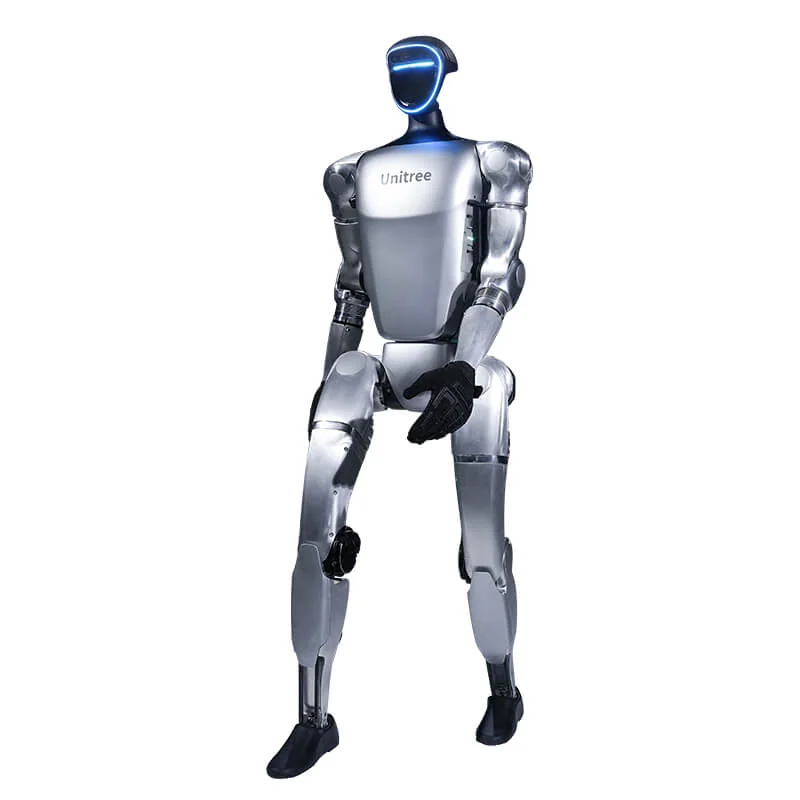
Give the G1 a task and watch it carry it out in simulation: picking from a tray, placing in a fixture, pick & place, with vision and grasping already integrated.
Try the interactive demo →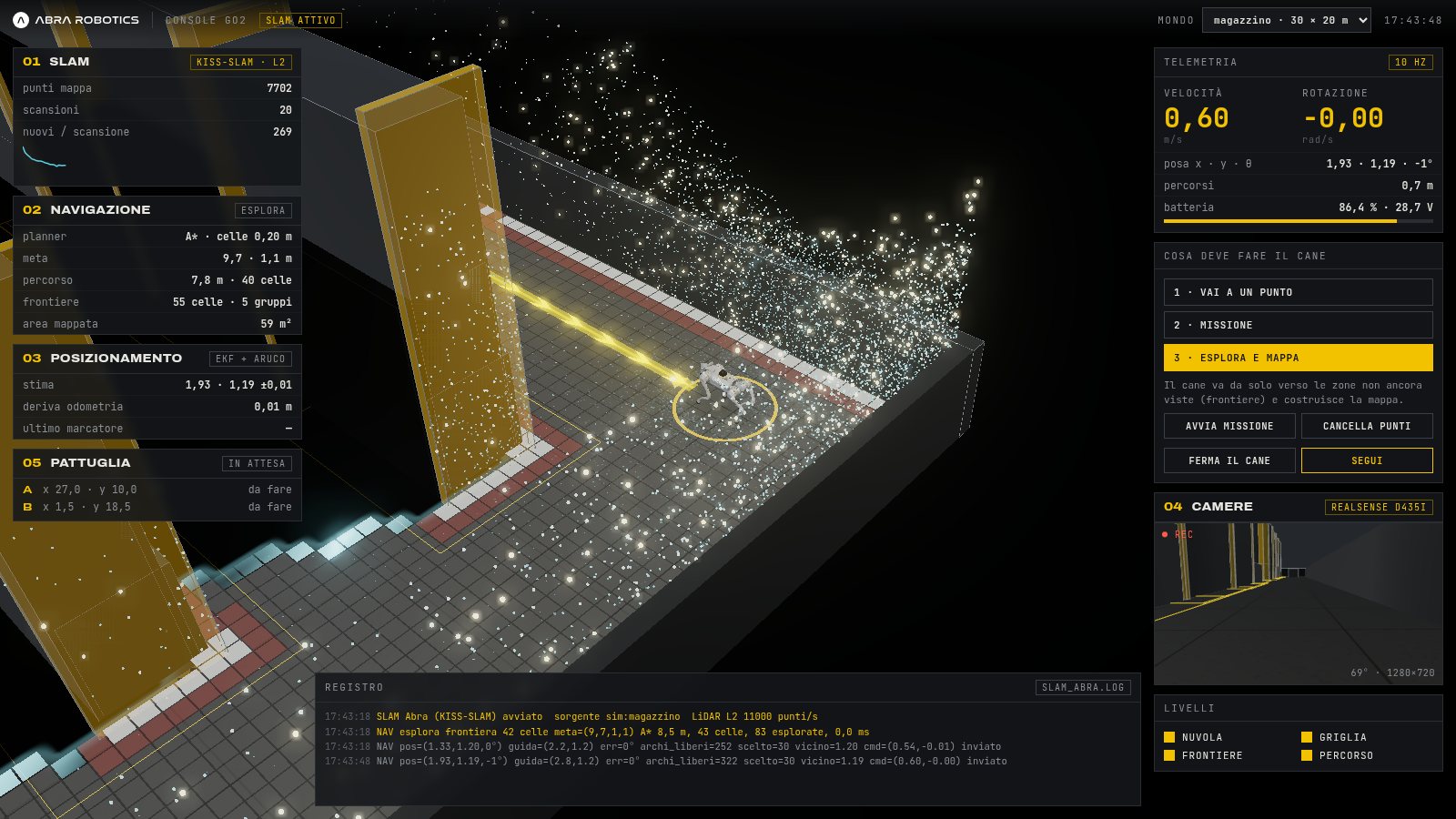 Fleet Control · Go2
Fleet Control for quadrupeds
The Go2 explores the area, builds the map and follows the mission: the same console we use to manage one or more Unitree quadrupeds.
Try the interactive demo →The demos use sample scenes. In projects the scene is a survey of your work area and the robot is fitted with the chosen hand or gripper. The tools are described on our software page.
What simulation does not tell you
- Friction and materials. A slippery object, a carton that bends or a cable that snags are hard to model well.
- Vision. Reflections, backlight and dust change what the camera sees. The vision model must be tested with real images of the work area.
- The individual robot. Actuator gains, wear and calibration vary from unit to unit. Before a project the robot must be calibrated.
- Network and timing. Latency and bandwidth of the company wifi are not those of the simulation PC.
- Safety. A trained policy is not a safety function and does not replace the protections required by the risk assessment (see the guide to the 2027 Machinery Regulation).
What you need and what it costs
To simulate, a PC is enough: the projects are open source. Isaac Sim and Isaac Lab need an NVIDIA RTX GPU meeting NVIDIA's requirements; MuJoCo also runs on simpler machines. To move code onto the robot you need a version with the SDK, i.e. EDU: 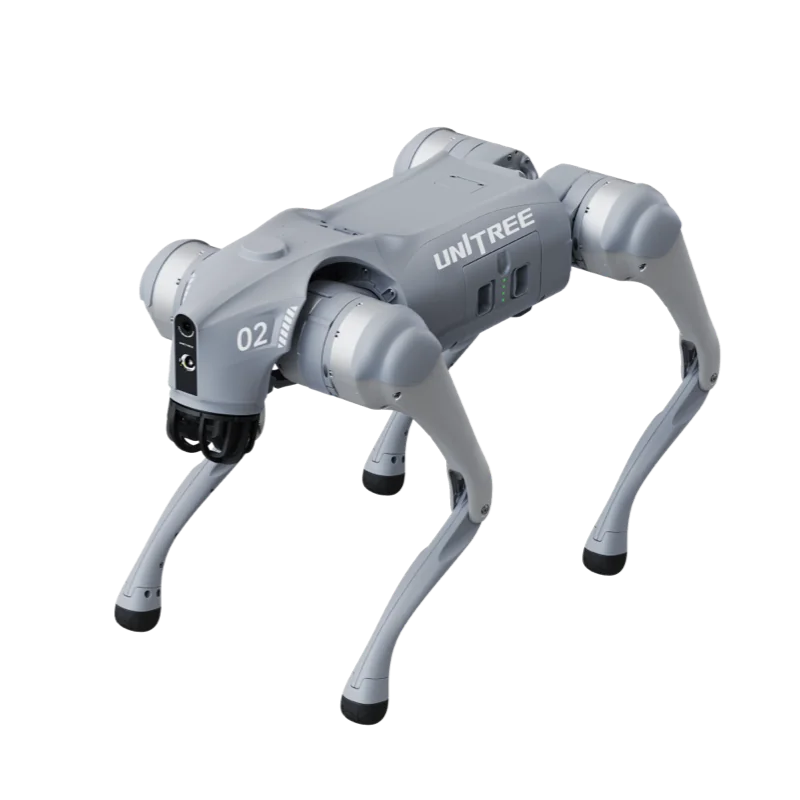 €8,804 excl. VAT for the Go2 EDU and
 €38,005 excl. VAT for the G1 Edu Standard. The differences between G1 versions are explained in which G1 version to choose.
Abra Robotics, part of the Unitree Italy distribution chain, builds the digital twin as the first step of its projects, together with the tools of our software services. Development and simulation are services separate from the supply of the robot.
Frequently asked questions
What is a robot digital twin?
It is a virtual copy of the robot and its environment: the robot's kinematic and dynamic model, a full-scale environment, contact physics and the same software interface as the real robot. Code tested in the digital twin then runs on the robot by changing only the network interface.
What does physical AI mean?
It is artificial intelligence that perceives and acts in the physical world through a robot, rather than producing only text or images. Its policies are almost always trained in simulation, because they need millions of attempts that are not possible on a real robot.
Which Unitree robots can be simulated?
The official unitree_mujoco simulator includes models of A2, AS2, B2, B2W, G1, Go2, Go2W, H1, H1-2, H2 and R1. unitree_sim_isaaclab covers manipulation tasks with the 29-DoF G1, G1-D and R1; unitree_rl_lab and unitree_rl_gym are used to train locomotion for Go2, G1 and H1.
Does simulation replace testing on the robot?
No. It shows early whether a task is feasible and which configuration works best, but friction, cables, lighting for vision and network latency must be checked on the robot. That is why the digital twin comes before the real test, not instead of it.
Do I need an EDU robot to use a digital twin?
Not to simulate: the simulators are open source and run on a PC. To move code tested in simulation onto the robot you need a version with the SDK, i.e. EDU: the Go2 EDU costs €8,804.14 and the G1 Edu Standard €38,004.54, excl. VAT.
Sources
- Unitree, unitree_mujoco (included robots, supported DDS messages, low level only)
- Unitree, unitree_sim_isaaclab (robots and manipulation tasks, DDS domain 1)
- Unitree, unitree_rl_lab (Isaac Lab, Go2, H1, G1 29 DoF)
- Unitree, unitree_rl_gym (Train, Play, Sim2Sim, Sim2Real)
- NVIDIA, Isaac Lab, requirements and installation
- COLMAP, official documentation; OpenMVS, repository